Hi All, The new image upload is now separate from the text, this gives us a lot more control over how we display the images, it allows us to resize adaptively so the images don't go outside the viewport on any device. This also allows uploads of up to 5mb and multiple image uploads at once (to a max of 5mb). These images also get compressed and resized on upload which helps with the speed of viewing the content. The editor is newer than the old one which had browser compatibility issues as well as speed issues. This one should be a lot quicker and be more user friendly.
It will also allow me to develop the forum templates further if need be, by giving options of where you want the image box to appear, or if you want it to be a slideshow, etc. Regards Chunks
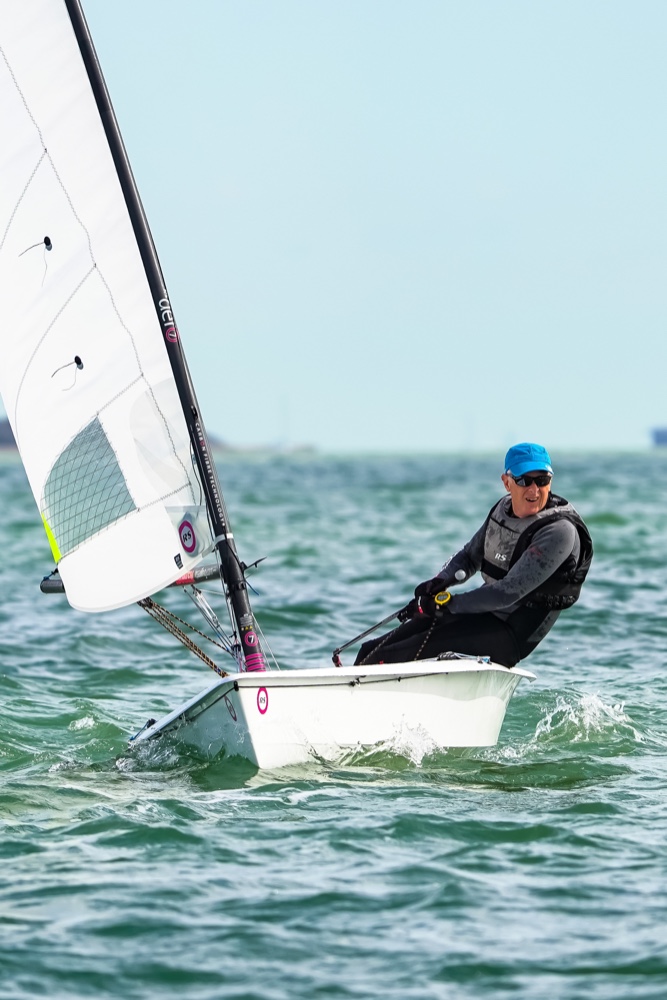
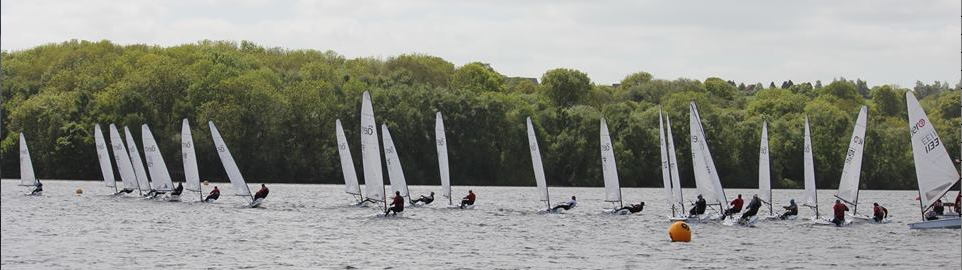
Thank you Peter. Here is a photo using the new software. Much easier to use, as a full resolution image can now be loaded. However the photo can't be viewed in the REPLY window. The Picture is seperate to the text. But still a massive improvement.
Our webmaster has been busy updating the website's forum and method of uploading photos.
It looks good for being easier, faster and increased functionality. Please do have another go to trial it and report back whilst I familiarise myself with it too.
I have an issue, that when I select a file I get a message box indicating that the file type must be jpg, gif or png, my file is a JPG. so what is wrong. I am using a mac.
Thanks for the notification, this area is definitely now too slow as its trying to load in the directory of images prior to upload, i'll get this changed.
Just FYI the UploadFiles process is a struggle for me. It takes 2+ mins for the Upload File button to appear and similar to populate the directory list. I thought it was broken but it looks like it just needs a ton of patience (or more server resources?). Nick.